Cloud Release

The latest Cloud Release 24.8

Capsyl Release 26.5

Discover the latest innovations and feature updates of the Capsyl Personal Cloud platform.

Shared Albums

Introducing Shared albums; a collaborative experience even for non-subscribers. Whether it’s a family vacation or everyday moments, subscribers can invite friends and family to contribute, view, and enjoy shared memories. By making it easy to share personal content, providers can increase the value of their cloud offering, and keep subscribers engaged for longer.
Capsyl 26.9 Shared Albums

Redesigned HomeScreen

The homescreen matters. Most users organize and surface content there, that’s why our latest release introduces a redesigned home screen, including a consolidated search and home search bar designed to make content discovery more intuitive. This focus on easier discovery sets the stage for a more natural way to search personal content.
Capsyl 26.9 Release Redesigned Homescreen

Introducing our latest release:

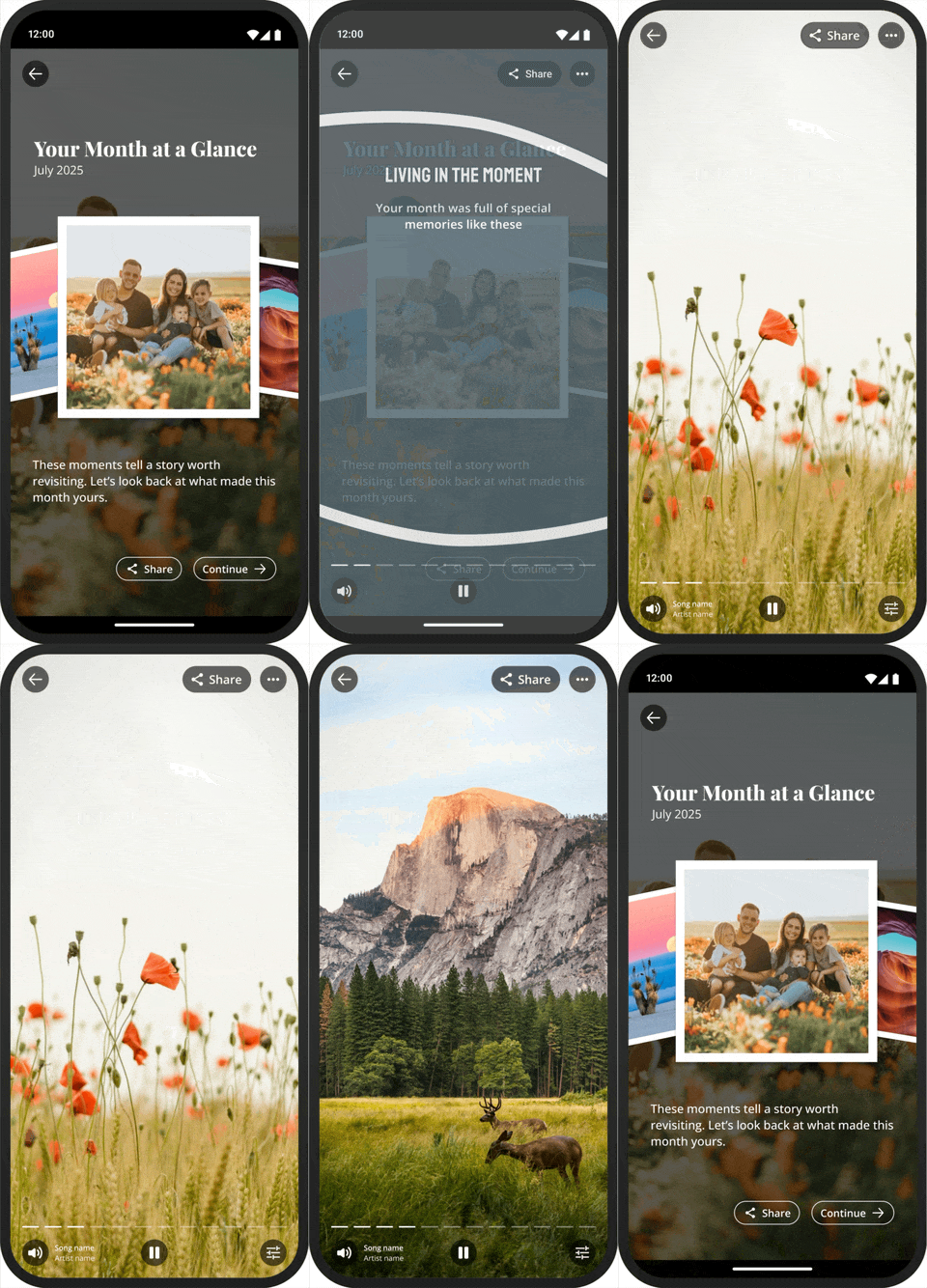
Animated Monthly Memories

Relive the memories that mattered most through an immersive, card-based experience that transforms everyday snapshots into meaningful moments.

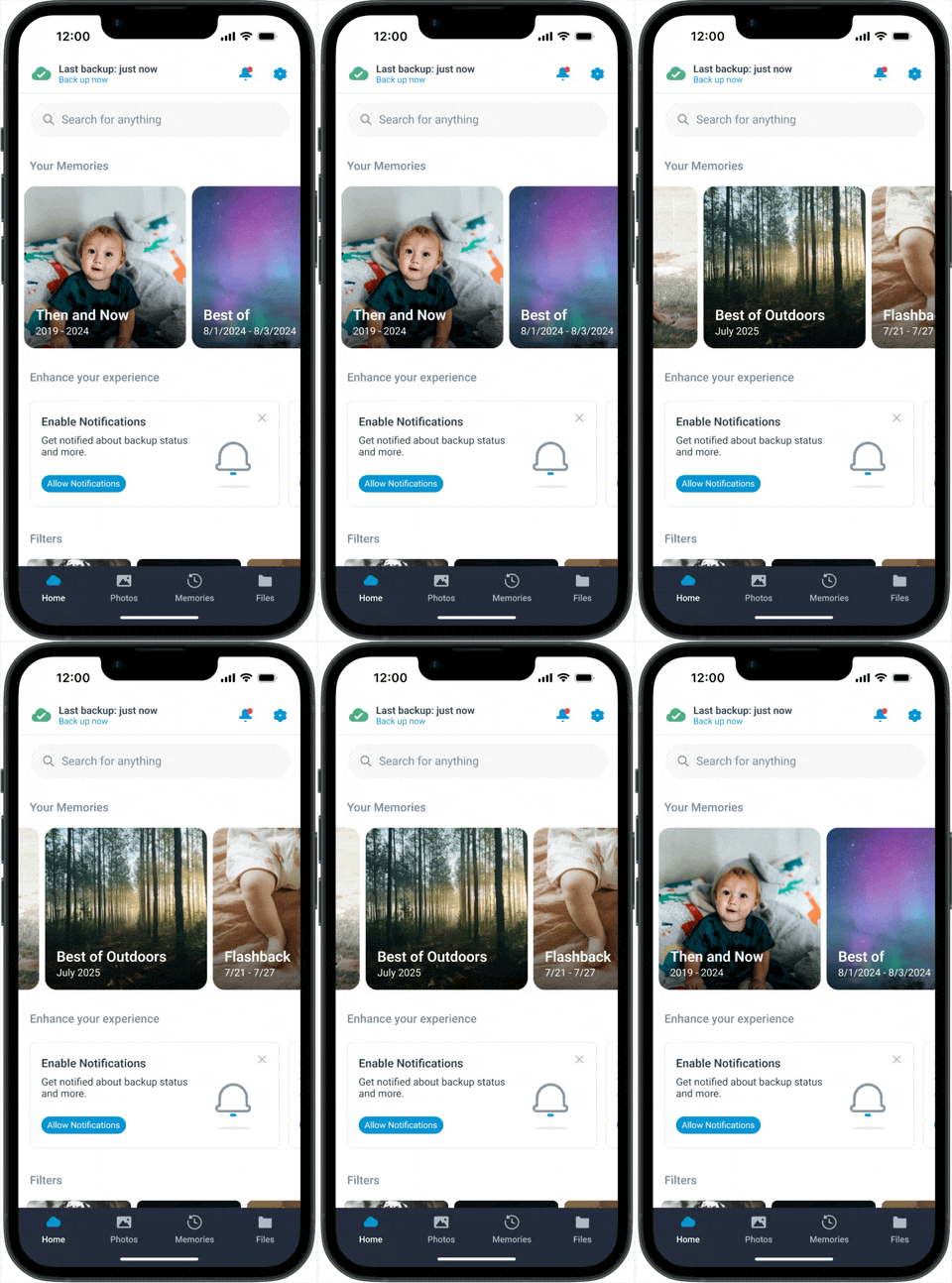
Home Screen Memories Carousel

This highly visible, dynamic carousel brings personal moments front and center, allowing users to frequently engage in meaningful photos and memories.

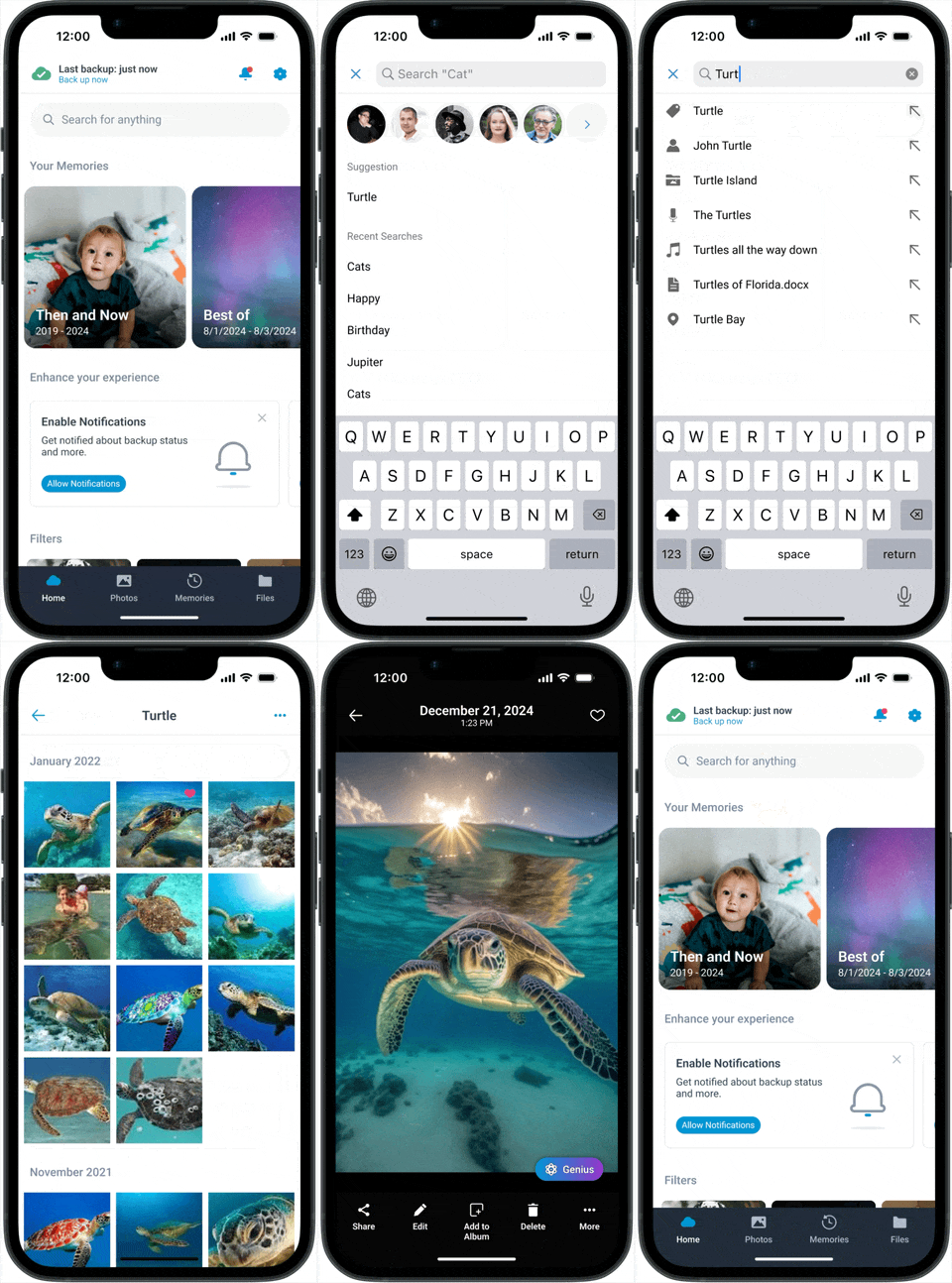
Enhanced Search Functionality

The search bar is now front and center for quick access whenever you need it. While people in photo detail view allows you to add names of the people in your photos

Introducing our latest release:

Locked Folder

A secured folder featuring an additional layer of authentication (PIN and/or biometrics) providing users with advanced privacy and management.

Smart Scan

Intuitive new scanning capabilities for digitizing and securing physical documents.

Photo Detail with Floating Genius Button

This always-accessible button brings powerful suggestions and quick actions right where you are; whether browsing, sharing, or editing.

Filtering of Memories

Effortlessly sort memories by type or category; from Favorites, Flashbacks, and Highlights, to Holidays, Pets, Trips, and more.


Introducing our latest release:

Locked Folder

A secured folder featuring an additional layer of authentication (PIN and/or biometrics) providing users with advanced privacy and management.

Smart Scan

Intuitive new scanning capabilities for digitizing and securing physical documents.

Photo Detail with Floating Genius Button

This always-accessible button brings powerful suggestions and quick actions right where you are; whether browsing, sharing, or editing.

Filtering of Memories

Effortlessly sort memories by type or category; from Favorites, Flashbacks, and Highlights, to Holidays, Pets, Trips, and more.

Introducing our latest release:

Stylized Moments

This AI-Powered update curates a meaningful photo, and prompts the user to apply Genius styles to a cherished moment in time.

Before and After Memories

Relive your most treasured moments with side-by-side photo comparisons, intelligently paired and connecting users to their memories in a meaningful and engaging way.

A Geographic View of Content

Map Views offer an engaging, location-based perspective of your content, making it simple and enjoyable to explore and rediscover your photos and videos by where they were captured.

Memories Favoriting & Filtering

The ability to favorite and filter memories adds a personalized touch
to easily mark and revisit special moments across any device.

Introducing our latest release:

GeniusAI Filters

Enjoy even more engagement and creativity with upgraded filters for the Genius feature, including 3D​, Sketch, Anime​, Art Style​ and Color Pop

Moment in Time

Introducing the Single Photo Memory feature, where you can relive favorite memories in larger formats.

Dedicated Album for Genius Edited Photos

Genius filters can now be accessed directly from the photo detail view.

Jazz up your Highlights

Watch, listen and share your favorite memories through the Slideshow feature, now including background music.

Introducing our latest release, bringing your most important content closer to home.

Spotlight Tip Card

Spotlight empowers users to unlock and maximize all the benefits of Personal Cloud. Targeted tips engage users at just the right time and place, contextually highlighting features based on recent or suggested actions. Spotlight ensures key features are always discoverable.

Genius Cartoon Styles

Elevate creativity and editing of pictures to new levels with the new AI-powered cartoon styles for Genius. These premium cartoonization filters add a ‘wow’ factor to the personal cloud experience. Genius features can be integrated into existing bundles or offered as an add-on feature.